The Focus Block Planner
Plan two protected hours of deep work each day, every day.
A printable and digital planner that helps you reserve, run, and review the focus blocks that produce most of your real output.
- A weekly template designed around two protected focus blocks per day, not eight Pomodoros
- A pre-block checklist that sets up the work before the timer starts
- A post-block one-line review that compounds insight across weeks
- Templates for moderate (60-min) and deep (90-min) blocks, plus a recovery rule for missed days
- Printable PDF and editable Notion + Google Sheets versions in a single download
Instant download · Updated April 2026
What's inside
- 1
The weekly planner page
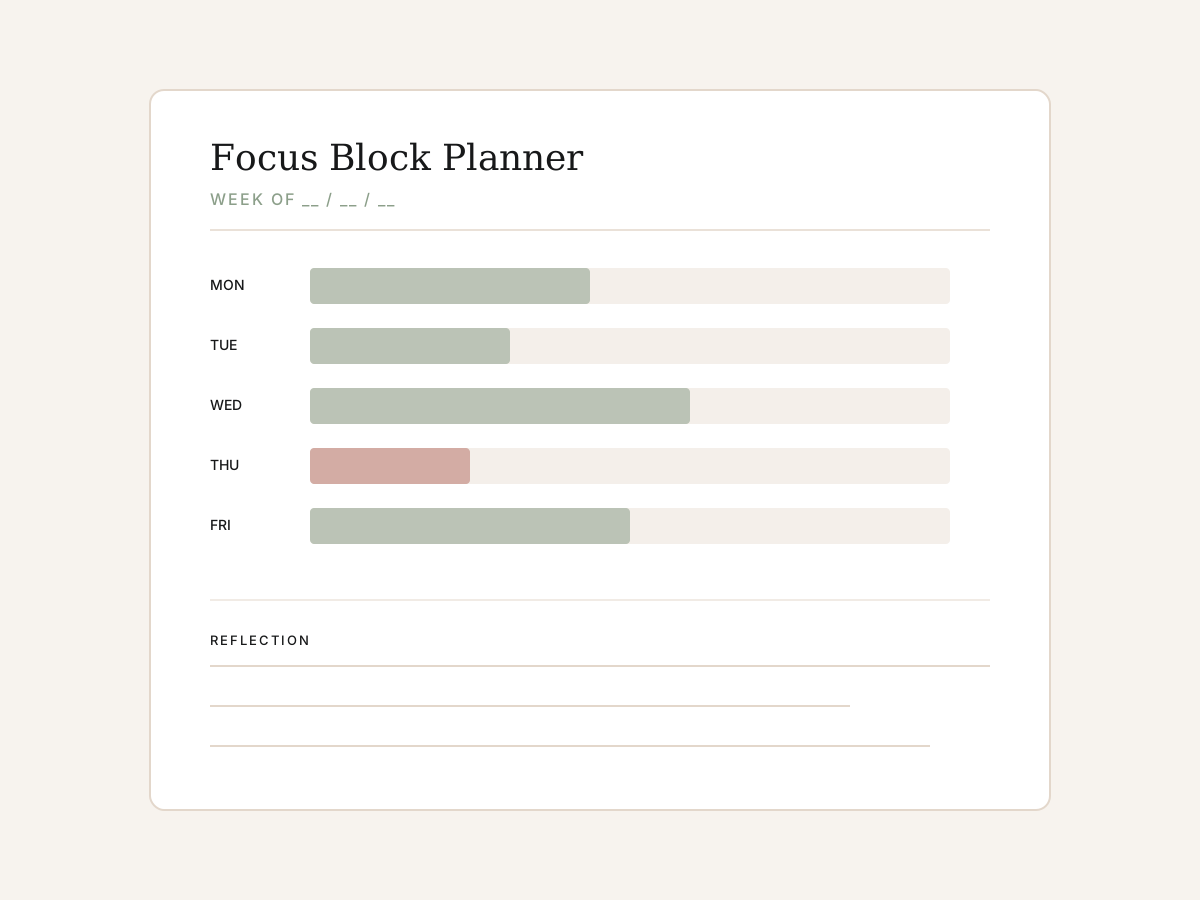
One page per week. Each day shows two block slots, a checklist for pre-block setup, and a recovery row that activates on missed days.
≈ 10 min to fill in per week
- 2
The pre-block checklist
Five items that take a minute and double the chance the block actually goes deep — environment, intent, context, water, phone.
≈ 5 min × 10 blocks = 50 min per week
- 3
The post-block one-liner
A single sentence after each block: what got done, how loaded the context felt, what to start with next time. Compounds across weeks.
≈ ≈ 10 min total per week
- 4
Friday review prompts
Three questions to read the week's blocks together. Identify the friction points, choose one change for next week, stop.
≈ 15 min, once weekly per week
Perfect for you if…
- Knowledge workers whose schedule is fragmented and who need to protect deep work explicitly
- Writers, researchers, and developers losing the gains of context to interruption
- People who tried Pomodoro and bounced off — too short for the actual work
- Anyone running a side project alongside a demanding day job
Not for you if…
- People who only do shallow administrative work where Pomodoro fits well
- Roles where every hour is meeting-bound and there is genuinely no two-hour window to protect
- Anyone looking for a maximalist tracker — this planner is deliberately minimal
Tech & format
- File formats
- PDF, Notion, Google Sheets
- Compatible with
- Any PDF reader, Notion (free or paid), Google Sheets, Microsoft Excel 2016+
- Delivery
- Instant download via Gumroad
- Last updated
- April 2026
Frequently asked
Do I need Notion or Google Sheets to use this?
No. The PDF version is fully self-contained and printable on standard A4 or US Letter paper. The Notion and Google Sheets templates are included for people who prefer working digitally, but they're optional.
What software do I need to open the files?
Any PDF reader (free options like Preview on Mac, Adobe Reader, or your browser's built-in viewer all work). For the editable versions: a free Notion account or a Google account for Google Sheets. The Excel-compatible version opens in Excel 2016 or later.
Will this work if my schedule is unpredictable?
Yes — the planner is built around behavioural triggers ('after morning coffee') rather than fixed clock times. There's a section in the PDF specifically for shift workers, parents of young children, and people with chaotic schedules.
Is this a one-off purchase or a subscription?
One-off purchase. You get all formats in a single download, plus any minor updates we publish over the next 12 months at no extra cost.
Can I share this with my team?
The licence is for personal use, but team and organisation licences are available — email hello@cypressquillmedia.com for pricing. Quotes and screenshots with attribution are always welcome.
What buyers are saying
"Two-hour blocks felt aspirational until I had a sheet of paper telling me to start. The pre-block checklist alone was worth the price."
"Replaced four productivity apps. The reflection prompts caught a meeting that was eating my best two hours every week."
Licence & usage
For personal use only. Please don't redistribute, resell, or share download links. Quote with attribution is welcome — credit Cypress Quill Media.
Refunds
Due to instant digital access, all sales are final. If anything is broken or unclear, email us — we'll make it right.
A note on how to use it
The single mistake people make with planners is treating them as scoring devices — counting blocks completed, tracking streaks, gamifying the work. That isn’t what this is for. The point of the planner is to make the work that matters happen on ordinary days, not to celebrate the days when it does.
If a week goes badly, the planner is not a verdict. It is data. The recovery row exists because the week-after-the-bad-week is usually where habit-building actually happens, and the planner’s job is to make that week easier.
If you only use one part of this kit, use the post-block one-liner. Three months of one-sentence reviews tells you more about your real work than any tracker, and you can keep doing it long after the planner sheets run out.